




Custom Desk Calendar 2026 | Design Your personalized desk calendar
Original price was: $38.00.$32.00Current price is: $32.00. & Free Shipping
Design your 2026 personalized desk calendar with favorite photos! A custom desk calendar is the perfect photo gift for workspace or home. Personalize yours today!
100000 in stock
Free shipping on orders over $50!
- Satisfaction Guaranteed
- No Hassle Refunds
- Secure Payments
Description
Customized desktop calendars do more than just let us know the date. It can take our favorite photos, branding elements, and memories and turn them into an awesome time management tool that makes every workday shine. Whether you’re looking to show off those vacation photos, highlight important company moments, or give a heartwarming gift, this guide will give you all the tips you need to create a one-of-a-kind desktop calendar for 2026.
What is Customized Desktop Calendar?
Definition and Features of Customized Desktop Calendars
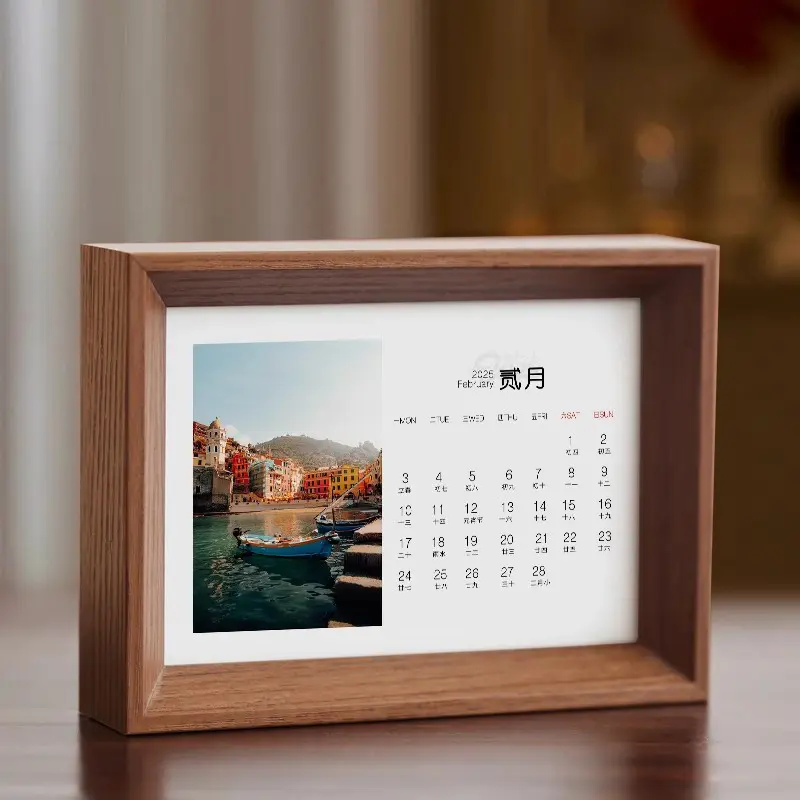
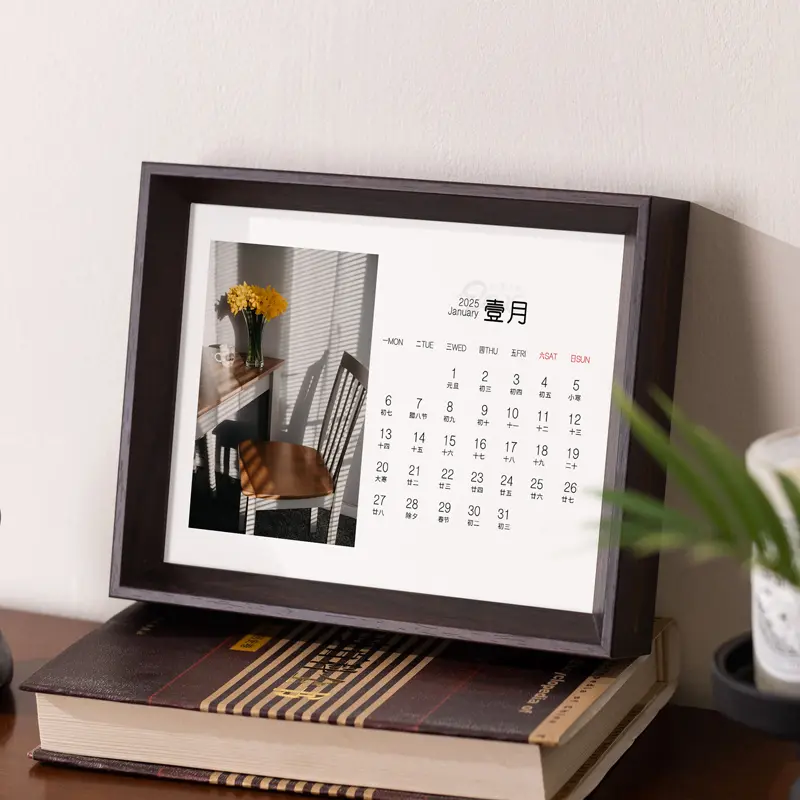
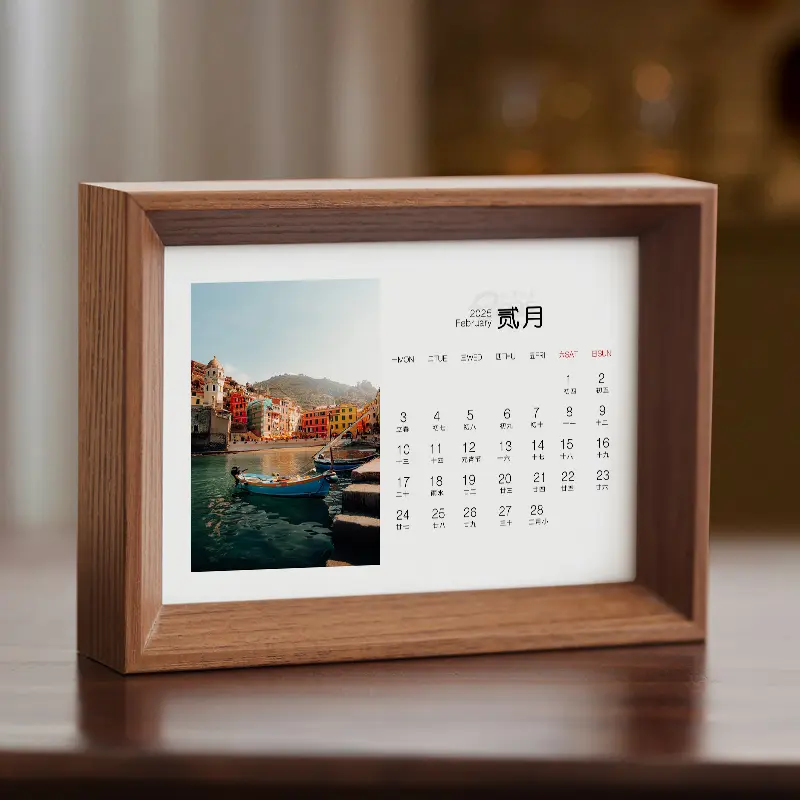
A custom desktop calendar is a small, stand-alone calendar that can be placed on our workstations and display our own choice of photos, artwork, or graphics with a brand logo. Its main features are these:
- Personalized images and text: we can upload photos or logos, add captions and mark special dates.
- High-quality materials: there are sturdy wooden frames (like walnut or beech) with 12 eco-friendly full-color papers.
- Various sizes: common sizes range from 12 × 17 cm to 23 × 32 cm.
The thickness of each calendar is 4 centimeters, which makes it more stable to be placed.
Benefits of using a personalized desktop calendar
- Daily source of inspiration: relive precious memories or reinforce brand messages with every glance at your desktop.
- Clear scheduling: Work schedules, deadlines and anniversaries can be seen at any time without having to open the mobile app.
- Stylish decorative ornament: its stylish photo frame design can also be used as desktop decoration to enhance the beauty of your workspace.
How Customized Desktop Calendar Enhances Your Workspace
Custom desktop calendars combine images and functionality to personalize even the most monotonous office. The high-resolution photos can make the atmosphere warm, and the action of manually turning the page every month can help us focus on the present moment and also reduce the fatigue caused by looking at the screen.
How to design your customized desktop calendar
Choose the right template for your desktop calendar
Go for a layout that matches the orientation of your photos, such as horizontal, vertical or square. Minimalist grid templates fit well with modern aesthetics, while templates with illustrations have a more lively appeal. Most online design studios allow us to preview each style before making a decision.
Steps to personalize your photo calendar
1. Upload photos: Choose 12 – 15 high-resolution images (300 dpi or higher).
2. Drag and drop: Place each photo into the corresponding month and adjust the order until it feels right.
3. Add text: Add a caption, a motivational message or a short project milestone.
4. Mark special dates: Mark birthdays, product launches or company events with icons or colorful text.
5. Full-color preview check: Confirm bleed areas to make sure important details have not been cropped out.
Tips for choosing your favorite photos
- Keep a consistent color palette for an overall coordinated look.
- Alternate between close-up and panoramic photos to keep things fresh each month.
Save brightly colored, high-contrast photos for months with the least amount of natural light (usually winter)
What are the best calendar templates for 2025?
Custom desktop calendars popular templates
- Minimalist black and white style: clean lines and sans serif fonts highlight photos.
- Soft pastel style: pastel colors go well with life and family themed photos.
- Bold corporate style: color blocks with branded colors and quarterly target areas are suitable for offices.
How to use the calendar template effectively
- Utilize preset fonts and alignment guides to ensure text is clear and easy to read. Try to use only one or two fonts and let the photo take center stage; too many graphics can
- distract from the usefulness of the calendar.
- Customize your desktop sticky notes with a unique design
- If the team regularly uses desktop sticky notes, you can follow the visual style of the calendar
Where to find custom desktop calendars for 2026?
Top Online Services for Customized Desktop Calendars
Full-service printing companies: These companies are great, they have a complete set of design tools to help us design calendars and proofread them so that they can be delivered to your home no matter where you are in the world.
Calendar Factory: If you only want to make small quantities and large quantities of calendars, and you like the handmade feel of a walnut or beech wood frame, then choose us!
Prices for different customized calendar options
Walnut:$32 Beech:$22
Can a Custom Desk Calendar Be a Great Gift?
Why a Personalized Calendar Makes a Great Gift
Unlike generic presents, a photo desk calendar is both practical and sentimental, reminding recipients of meaningful moments every day.
Ideas for Custom Photo Calendars as Gifts
-
Wedding Keepsake: Feature engagement and ceremony photos, with anniversaries pre-highlighted.
-
Corporate Thank-You: Combine project milestones and team photos to celebrate a successful year.
-
Travel Memories: Showcase world-class landscapes from a gap-year adventure.
Best Occasions to Give a Desk Calendar
Holiday seasons, company anniversaries, new-hire welcome kits, and graduation season are prime moments to deliver a personalized calendar that stands out.
How to Use Your Desktop Calendar Effectively?
Organizing Important Dates with Your Custom Desk Calendar
Color-code deadlines, personal events, and recurring tasks. Use sticky tabs for high-priority weeks so critical goals remain visible.
Maximizing Productivity Using Your Desk Calendar
Start each morning by reviewing the month at a glance. Writing key tasks on paper counters digital overload and can improve recall.
Integrating Your Custom Calendar with Digital Tools
Snap a photo of each month and upload it to a cloud drive. Sync highlighted dates with Google Calendar or Outlook for automatic reminders while preserving the tangible desk-top reference.
Related products
-
Sale!

Small desktop calendars: let every day from the desktop to start the exquisite time
Original price was: $38.00.$35.00Current price is: $35.00. -
Sale!
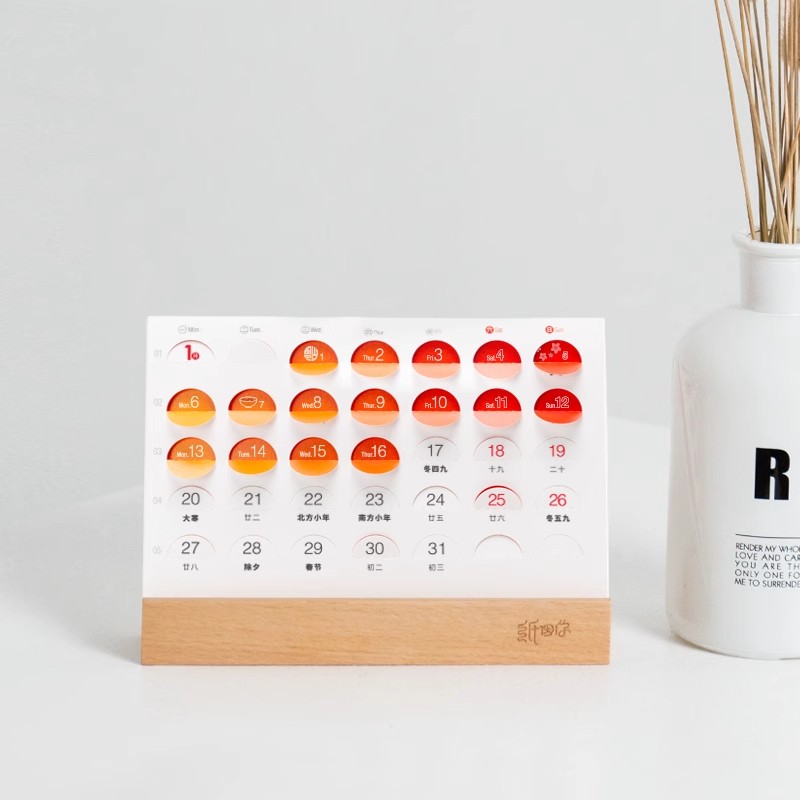
Folded Corner Cute Desk Calendar – Desktop Accessories to Capture Your Heart’s Desire
Original price was: $38.00.$25.00Current price is: $25.00. -
Sale!

Custom Storage Walnut Desk Calendar
Original price was: $55.00.$52.00Current price is: $52.00. -
Sale!

Customized L-Shaped Solid Wood Calendars
Original price was: $45.00.$38.00Current price is: $38.00.
Reviews
There are no reviews yet.